
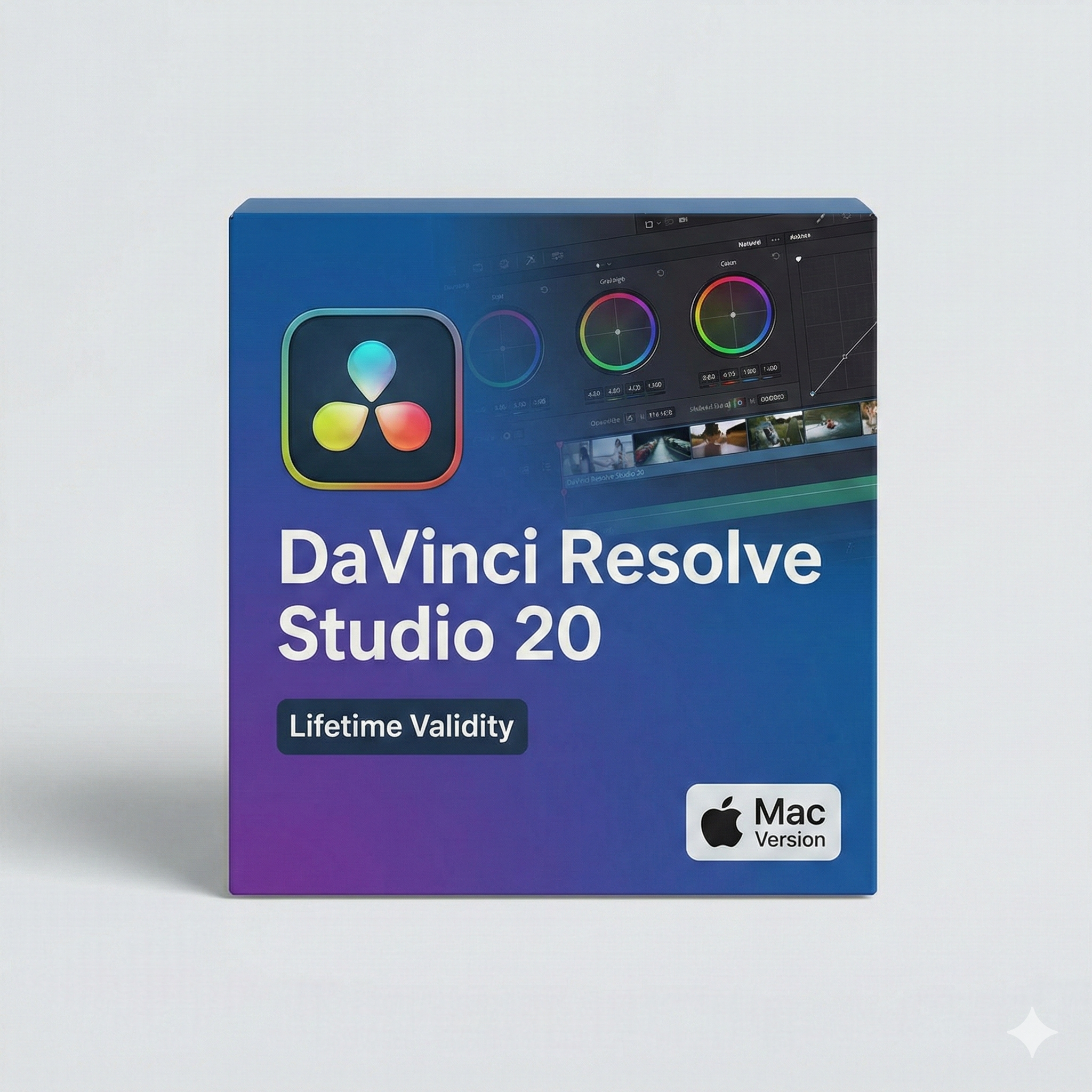
DaVinci Resolve Studio 20 macOs for Lifetime
- Lifetime Validity
- Instant Delivery on Email
- Supported on All Apple Mac Systems
- Any Installation Problem Freely Contact Us(Will Give You Support)
- Edit 12K projects effortlessly with native optimization for Apple M3 and M4 Ultra chips.
- Render renders up to 4x faster using the fully unified memory architecture of Apple Silicon.
- Generate depth maps instantly from single-camera clips using the Apple Neural Engine.
- Grade HDR content with absolute precision on Liquid Retina XDR displays using the new EDR workflow.
- Isolate voices from noisy backgrounds in real-time with the Core ML-powered Voice Isolation.
- Edit spatial video for Apple Vision Pro with a dedicated stereoscopic 3D viewer.
- Track complex objects in 3D space instantly with the Metal-accelerated IntelliTrack AI.
Original price was: ₹999.00.₹499.00Current price is: ₹499.00.
DaVinci Resolve Studio 20 (Mac): The Hollywood Standard, Reimagined with AI
DaVinci Resolve Studio 20 is the world’s only solution that combines professional 8K editing, color correction, visual effects, and audio post-production all in one software tool. Used by more Hollywood feature films, television shows, and commercials than any other software, Version 20 takes a quantum leap forward by integrating the DaVinci Neural Engine deeply into every page of the workflow.
Optimized exclusively for macOS and Apple Silicon, this release unlocks the full potential of M-series chips, delivering real-time playback of heavy ARRI RAW and 8K footage without the need for proxies. Whether you are an independent creator or a dedicated colorist, DaVinci Resolve Studio 20 gives you the same tools used to finish the biggest blockbusters.
What’s New in Version 20?
1. Generative Color Grading
- The Feature: Color grading is now collaborative with AI. simply describe a look (“moody, teal and orange, 1980s sci-fi”) or upload a reference image, and the Neural Engine analyzes your footage to build a complex node tree that matches the lighting, contrast, and palette instantly.
- The Benefit: Achieve a base grade in seconds, leaving you more time to refine the creative nuances.
2. IntelliTrack AI
- The Feature: A new point-tracker that lives in the Fusion and Color pages. It identifies and tracks complex objects (like a logo on a moving shirt or a license plate) even if they are obscured or rotate out of view.
- The Benefit: Rotoscoping and object removal that used to take hours now takes minutes.
3. Audio Source Separation (Fairlight)
- The Feature: Go beyond voice isolation. You can now remix a mixed stereo track by separating dialogue, music, and sound effects into individual stems directly on the timeline.
- The Benefit: Perfect for documentary filmmakers who need to remove background music from an interview or lower the volume of a car engine without affecting the dialogue.
4. 3D Depth Map 2.0
- The Feature: The improved depth map generator creates a flawless 3D matte of your scene. You can place text behind a subject, add fog to the background, or change the focus point in post-production with physically accurate blur.
Optimized for Mac
Native Apple Silicon Power
- M-Series Optimization: DaVinci Resolve Studio 20 uses the dedicated media engines in Apple M1, M2, M3, and M4 chips to decode and encode H.264, HEVC, and ProRes formats up to 300% faster.
- Liquid Smooth Playback: Scrub through timeline-heavy multicam projects with 12 streams of 4K video instantly. The interface is buttery smooth, even on a MacBook Air.
- HDR Dolby Vision: Full support for Apple’s XDR displays allows you to grade High Dynamic Range content with absolute color accuracy directly on your MacBook Pro screen.
Key Features
- Fusion VFX: A complete 3D compositing environment with over 250 tools for keying, rotoscoping, vector paint, and 3D particles.
- Fairlight Audio: A full-blown digital audio workstation (DAW) built right in, supporting up to 2,000 tracks with real-time EQ, dynamics, and ADR tools.
- Magic Mask: Automatically mask a whole person or specific features (like face, arms, or shoes) for targeted color grading.
- Remote Collaboration: Blackmagic Cloud integration allows editors, colorists, and sound engineers to work on the same project at the same time from anywhere in the world.
System Requirements (Mac)
- Operating System: macOS 14 (Sonoma) or macOS 15 (Sequoia).
- Processor: Apple Silicon M1 or newer (M2 Max/Ultra or M3/M4 recommended for 8K workflows).
- Memory (RAM): 16 GB minimum (32 GB recommended for 4K, 64 GB+ for 8K and Fusion).
- Storage: Fast SSD for project files and cache.
- Monitor: 1920 x 1080 resolution or higher (Retina 5K/6K recommended).
Related Products
- AUTOMATIC DELIVERY INSTANTLY ON REGISTERED EMAIL .
- Any Installation Problem Freely Contact Us(Will Give You Support)
- Lifetime Validity
- Mac Version
- Fully optimized for Apple Silicon (M1/M2/M3) chips to deliver faster rendering and smoother zooming.
- Automatically place and replace repetitive objects instantly with the new AI-powered Smart Blocks tool.
- Track file changes and view detailed multi-user edit histories with the enhanced Activity Insights dashboard.
- Import feedback directly from PDFs or printed paper and let AI auto-insert revisions with Markup Assist.
- Collaborate securely by adding design notes to the Trace layer without altering the existing drawing.
- AUTOMATIC DELIVERY INSTANTLY ON REGISTERED EMAIL .
- Any Installation Problem Freely Contact Us(Will Give You Support)
- Lifetime Validity
- Windows Version
- Automate assembly mates instantly with AI-powered fastener recognition.
- Generate complete 2D drawings from 3D models automatically with AI tools.
- Split component configurations into separate files in batches seamlessly.
- Skip unnecessary rebuilds for cosmetic changes to speed up large assemblies.
- Create reference points precisely using global XYZ coordinate values.
- Import massive neutral files in the background while you continue working.
- Render photorealistic images directly within the interface without switching apps.
- AUTOMATIC DELIVERY INSTANTLY ON REGISTERED EMAIL .
- Any Installation Problem Freely Contact Us(Will Give You Support)
- Lifetime Validity
- Windows Version
- Edit video content as easily as a text document with the AI-powered text-based editing workflow.
- Instantly remove or replace video backgrounds without a green screen using dynamic AI masking.
- Automatically generate and sync accurate captions and subtitles from your voiceover in seconds.
- Smooth out jerky mouse movements and customize cursor paths with advanced cursor effects.
- Record high-resolution 4K screen capture, webcam, and system audio simultaneously.
- Clean up background noise and balance vocal levels instantly with AI-enhanced audio filters.
- Access a vast library of royalty-free intros, motion graphics, and music directly within the editor.
- Engage viewers by adding interactive quizzes and clickable hotspots directly to your videos.
- Apply professional animations and behaviors to text and images with simple drag-and-drop actions.
- Export videos faster than ever with optimized GPU acceleration for modern hardware.
- AUTOMATIC DELIVERY INSTANTLY ON REGISTERED EMAIL .
- Any Installation Problem Freely Contact Us(Will Give You Support)
- Lifetime Validity
- Mac Version
- Run natively on Apple Silicon (M1/M2/M3) for blazing-fast performance.
- Visualize models with realistic depth using the new Ambient Occlusion engine.
- Generate unique textures instantly with integrated AI-powered prompts.
- Sync projects seamlessly between Mac, iPad, and Web versions.
- Convert iPhone LiDAR scans into 3D models automatically via Scan-to-Design.
- Create 2D documentation faster with the optimized LayOut rendering engine.
- Import and export USDZ files easily for Apple AR visualization.
- AUTOMATIC DELIVERY INSTANTLY ON REGISTERED EMAIL .
- Any Installation Problem Freely Contact Us(Will Give You Support)
- Lifetime Validity
- Windows Version
- Place blocks automatically based on past usage patterns with AI-powered Smart Blocks.
- Track file changes and user history seamlessly via the Activity Insights dashboard.
- Import and auto-implement redline feedback directly from PDFs or printed paper.
- Experience significantly faster 2D graphics rendering and layout switching speeds.
- Run AutoLISP routines directly within the AutoCAD Web browser app.
- Count instances of objects or blocks instantly in a specified area.
- View multiple drawing files simultaneously with flexible, multi-monitor floating windows.
- Add design notes safely using the non-destructive Trace overlay layer.
- Lifetime Validity
- Instant Delivery on Email
- Any Installation Problem Freely Contact Us(Will Give You Support)
- Supported on Windows 10,11
- Pre-Activated for Lifetime Validity
- Streamline your modeling workflows by working directly in perspective views.
- When you import or link certain items into a model, you can apply tags to these items.
- Use the Split Element tool on structural columns and framing elements
- To ensure that structural connections from this application adhere to the latest standards
- Resize runs of corresponding fabrication parts using the Properties palette or the Edit Parts dialog.
- AUTOMATIC DELIVERY INSTANTLY ON REGISTERED EMAIL .
- Any Installation Problem Freely Contact Us(Will Give You Support)
- Lifetime Validity
- Windows Version
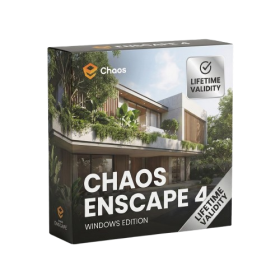
- Navigate scenes with a unified, redesigned user interface for faster workflows.
- Enhance export quality instantly with the AI-powered NVIDIA Denoiser.
- Simulate realistic colored shadows for glass and transparent materials.
- Upscale textures and assets automatically using the Chaos AI Enhancer.
- Apply pencil and watercolor effects with new Artistic Visual Modes.
- Immerse clients in designs with support for Meta Quest 3 and HTC Vive.
- AUTOMATIC DELIVERY INSTANTLY ON REGISTERED EMAIL .
- Any Installation Problem Freely Contact Us(Will Give You Support)
- Lifetime Validity
- Mac Version
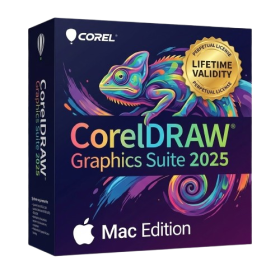
- Apply realistic pixel-based brush strokes to vector paths with the new Painterly Brush tool.
- Experience blazing-fast performance with native optimization for Apple M1, M2, and M3 chips.
- Use your iPad as a secondary display and graphics tablet via Sidecar with full Apple Pencil support.
- Access and use online fonts instantly without manual installation using the new Remote Fonts feature.
- Isolate specific objects for distraction-free editing with the new Focus Mode.
- Convert low-quality bitmap images into crisp vectors automatically with AI-powered PowerTRACE.
- AUTOMATIC DELIVERY INSTANTLY ON REGISTERED EMAIL .
- Any Installation Problem Freely Contact Us(Will Give You Support)
- Lifetime Validity
- Windows Version
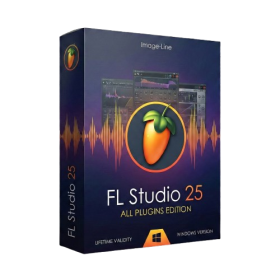
- Includes Everything: Every native plugin Image-Line sells (Synths, Effects, Tools).
- Massive Library: Comes with Harmor, Sytrus, Gross Beat, and the new Kepler Exo.
- Dynamic Mixing: Expand your mixer up to 500 tracks with the new 2025 engine
- Stem Separation: Split any song into Drums, Bass, Vocals, and Instruments instantly.
- Audio Editing: Edit pitch and time directly in the playlist with Newtone.
- Visualizers: Render 4K videos for social media with ZGameEditor Visualizer.
- Controller Support: Plug-and-play compatibility with virtually any MIDI controller.

- AUTOMATIC DELIVERY INSTANTLY ON REGISTERED EMAIL .
- Any Installation Problem Freely Contact Us(Will Give You Support)
- Lifetime Validity
- Windows Version
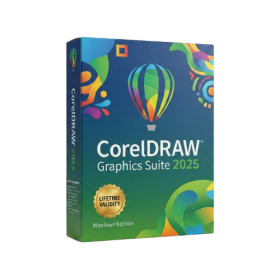
- Convert freehand sketches into precise vector curves instantly with the revolutionary AI-powered LiveSketch tool.
- Design naturally using advanced support for stylus devices, touchscreens, and the Microsoft Surface Dial.
- Enjoy a crisp, scalable workspace with native support for Ultra HD 5K monitors and multi-screen setups.
- Remove imperfections from photos seamlessly using the advanced Healing Clone tool in Corel PHOTO-PAINT.
- Manipulate nodes and curves more efficiently with revamped vector shaping and editing tools.
- Organize and find the perfect typeface quickly with the enhanced filtering in Corel Font Manager.
- AUTOMATIC DELIVERY INSTANTLY ON REGISTERED EMAIL .
- Any Installation Problem Freely Contact Us(Will Give You Support)
- Lifetime Validity
- Windows Version
- Painterly Brush Tool: Apply realistic, pixel-based brush strokes (like oil or chalk) to vector paths.
- Vector Illustration: Professional tools for creating logos, signage, and complex vector art.
- Page Layout: Seamlessly handle multi-page documents like brochures and manuals.
- Photo Editing: Includes Corel PHOTO-PAINT 2025 for advanced image retouching and adjustment.
- Remote Fonts: Access and use online fonts instantly without needing to install them first.
- AI PowerTRACE: Automatically converts low-quality bitmap images into crisp, scalable vectors.
- Print to PDF: Redesigned export workflow for perfect print results with better color and bleed control.
- Focus Mode: Isolate specific objects while fading the background for distraction-free editing.
- Cross-Platform: Native support for both Windows 11 and macOS Sonoma.
- Lifetime Validity
- Instant Delivery on Email
- Any Installation Problem Freely Contact Us(Will Give You Support)
- Supported on all Apple Mac Products
- Pre-Activated for Lifetime
- Extend short clips seamlessly using the new AI-powered Generative Extend tool.
- Remove unwanted objects or add new elements to video scenes instantly with Generative Fill.
- Edit videos rapidly by cutting and rearranging text in the auto-generated transcript.
- Clean up noisy dialogue to studio quality instantly with AI Enhanced Speech.
- Experience real-time 8K playback and fast rendering with native Apple Silicon optimization.
- Create precise audio fades visually by dragging interactive handles on the clips.
- Match colors across different cameras and HDR formats automatically with Auto Tone Mapping.