
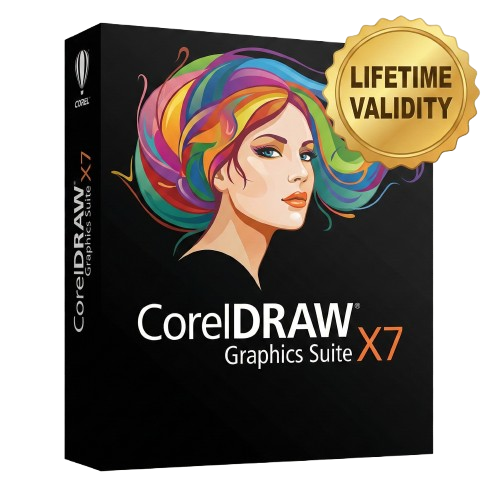
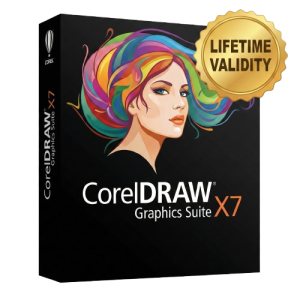
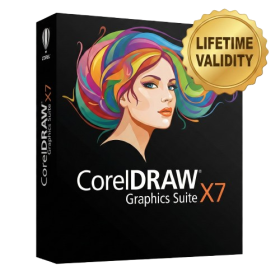
CorelDRAW Graphics Suite X7 For Lifetime
- AUTOMATIC DELIVERY INSTANTLY ON REGISTERED EMAIL .
- Any Installation Problem Freely Contact Us(Will Give You Support)
- Lifetime Validity
- Windows Version
- CorelDRAW X7 – Vector Illustration & Layout
- Corel PHOTO-PAINT X7 – Professional Photo Editing
- PowerTRACE – Convert Images to Vector
- Corel CONNECT – Search & Manage Content
- Corel CAPTURE – One-click Screenshot Tool
- Website Creator – Simple Website Building
- PhotoZoom Plugin – High-quality image enlargement
Original price was: ₹999.00.₹499.00Current price is: ₹499.00.
CorelDRAW Graphics Suite X7 is a complete professional design package used worldwide for creating logos, banners, brochures, visiting cards, packaging, social media posts, photo edits, vector graphics, and much more.
This version comes fully pre-activated, supports 64-bit Windows, and offers a smooth, fast, and stable experience — perfect for beginners as well as professional designers.
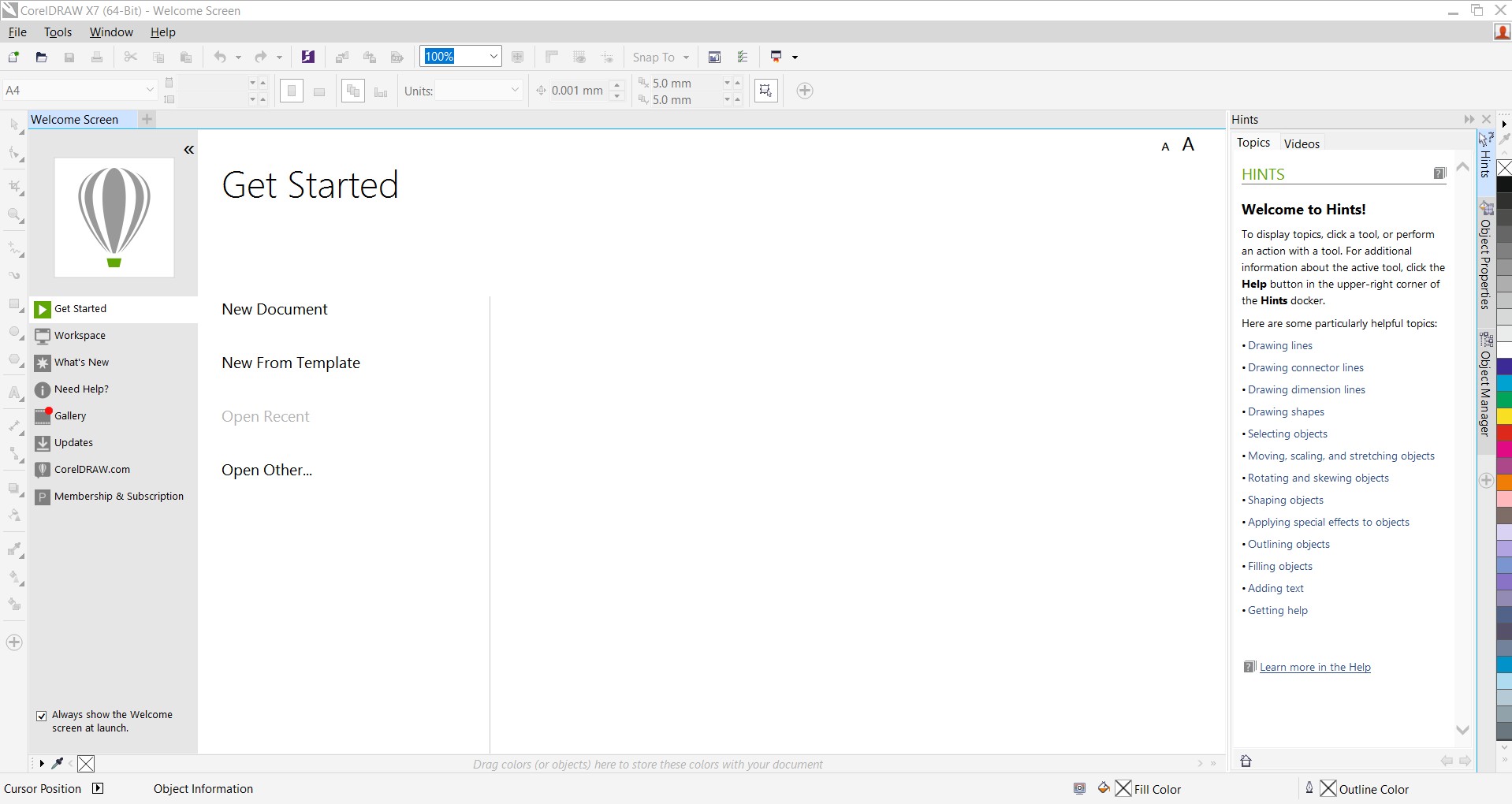
What’s Included in CorelDRAW X7 Suite
You get the complete toolkit:
- CorelDRAW X7 – Vector Illustration & Layout
- Corel PHOTO-PAINT X7 – Professional Photo Editing
- PowerTRACE – Convert Images to Vector
- Corel CONNECT – Search & Manage Content
- Corel CAPTURE – One-click Screenshot Tool
- Website Creator – Simple Website Building
- PhotoZoom Plugin – High-quality image enlargement
Thousands of Fonts, Templates, Cliparts & Frames
Key Features
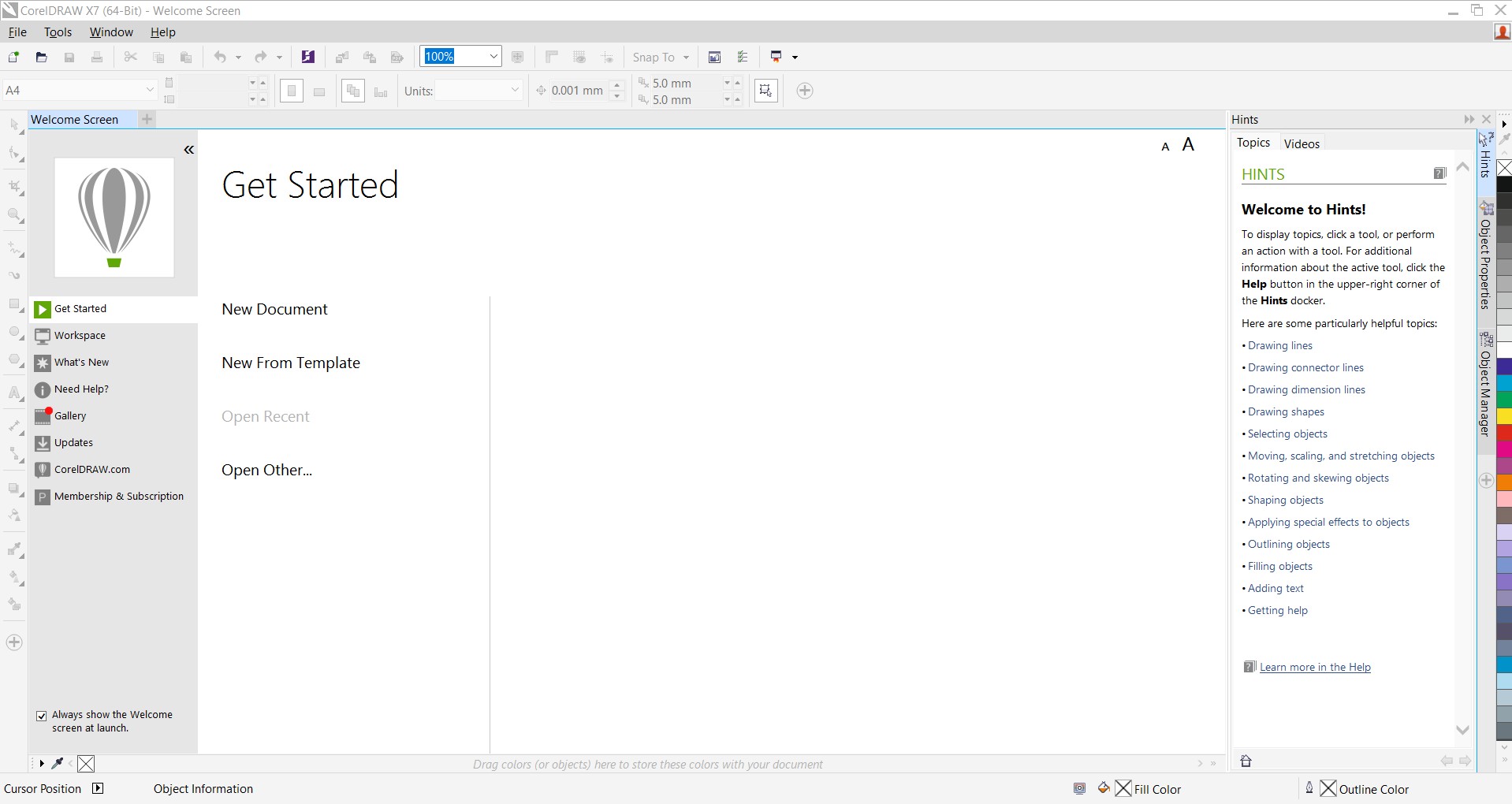
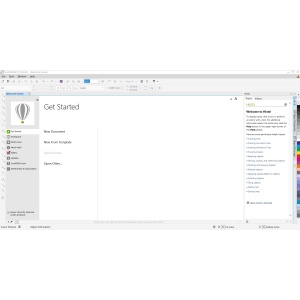
1. Modern, Customizable Workspace
- 6 ready-made workspaces (Adobe-style, Lite, Classic, etc.)
- Drag-and-drop customization
- High DPI & multi-monitor support
2. Advanced Vector Illustration Tools
- Enhanced fountain fills
- Transparency on individual nodes
- Mesh fill, outline tools, and color harmonies
3. Professional Photo Editing (PHOTO-PAINT)
- RAW image support
- Smear, Twirl, Attract, Repel tools
- Color correction, skin smoothing, lens effects
- Camera effects: Bokeh, Sepia, Vignette
4. Rich Typography Tools
- 1000+ OpenType fonts
- Font Playground for preview
- Multilingual & complex script support
5. Built-in QR Code Generator
- Customize shapes, colors, logos inside QR codes
- Mobile-friendly QR verification
6. Work Faster with Multi-Document Support
- Tabbed document interface
- Undock documents to other monitors
- Smooth handling of large files
7. Huge Built-in Content Library
- 10,000+ cliparts & graphics
- 800+ frames, patterns & textures
- 2,000+ professional photos
- 350+ ready templates (logos, visiting cards, brochures, posters)
Why Choose the Lifetime Version?
- One-Time Payment – No Renewal, No Subscription
- Fully Activated Version – Ready to Use
- Ideal for long-term creative work
- Works smoothly even on mid-range systems
- Perfect for designers, shops, businesses & students
System Requirements
- Windows 7 / 8 / 10 / 11 (64-bit recommended)
- Minimum 2 GB RAM (4 GB+ recommended)
- 4 GB free disk space
- Multi-core processor preferred
- Internet only needed for download
Related Products
- AUTOMATIC DELIVERY INSTANTLY ON REGISTERED EMAIL .
- Any Installation Problem Freely Contact Us(Will Give You Support)
- Lifetime Validity
- Windows Version
- Edit PDFs: Directly edit text, fix typos, and swap images inside any PDF.
- Convert Files: Turn Word, Excel, and PowerPoint documents into PDFs and back again.
- E-Signatures: Fill and sign forms digitally, or request and track signatures from others.
- OCR Scanning: Convert scanned paper documents into editable, searchable text automatically.
- Merge Files: Combine multiple documents, images, and spreadsheets into a single PDF file.
- Create Forms: Build smart, fillable forms with dropdowns and checkboxes.
- Secure Data: Password-protect files and restrict others from copying or printing content.
- Cloud Sync: Access and work on your documents from desktop, mobile, or the web.
- Lifetime Validity
- Instant Delivery on Email
- Any Installation Problem Freely Contact Us(Will Give You Support)
- Supported on Windows 10,11
- Pre-Activated for Lifetime Validity
- Frame Tool for easy masking
- Content-Aware Fill reimagined
- New multiple undo mode
- Usability improvements
- Transform proportionally by default
- Prevent accidental panel moves with Lock Workspace
- AUTOMATIC DELIVERY INSTANTLY ON REGISTERED EMAIL .
- Any Installation Problem Freely Contact Us(Will Give You Support)
- Lifetime Validity
- Windows Version
- Place blocks automatically based on past usage patterns with AI-powered Smart Blocks.
- Track file changes and user history seamlessly via the Activity Insights dashboard.
- Import and auto-implement redline feedback directly from PDFs or printed paper.
- Experience significantly faster 2D graphics rendering and layout switching speeds.
- Run AutoLISP routines directly within the AutoCAD Web browser app.
- Count instances of objects or blocks instantly in a specified area.
- View multiple drawing files simultaneously with flexible, multi-monitor floating windows.
- Add design notes safely using the non-destructive Trace overlay layer.

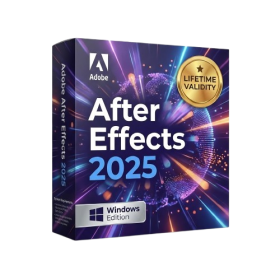
- AUTOMATIC DELIVERY INSTANTLY ON REGISTERED EMAIL .
- Any Installation Problem Freely Contact Us(Will Give You Support)
- Lifetime Validity
- Windows Version
- Import and animate 3D models (GLB/GLTF) natively without external plugins.
- Isolate moving subjects instantly using the AI-powered Roto Brush 3.
- Access and edit key layer settings faster with the context-sensitive Properties Panel.
- Render previews and final exports simultaneously with Multi-Frame Rendering.
- Manage professional color workflows accurately with native OpenColorIO (ACES) support.
- Composite 3D objects realistically onto 2D footage using Shadow Catchers.
- Review and approve content seamlessly with the built-in Frame.io integration.
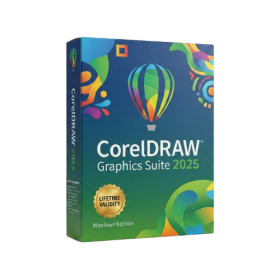
- AUTOMATIC DELIVERY INSTANTLY ON REGISTERED EMAIL .
- Any Installation Problem Freely Contact Us(Will Give You Support)
- Lifetime Validity
- Windows Version
- Painterly Brush Tool: Apply realistic, pixel-based brush strokes (like oil or chalk) to vector paths.
- Vector Illustration: Professional tools for creating logos, signage, and complex vector art.
- Page Layout: Seamlessly handle multi-page documents like brochures and manuals.
- Photo Editing: Includes Corel PHOTO-PAINT 2025 for advanced image retouching and adjustment.
- Remote Fonts: Access and use online fonts instantly without needing to install them first.
- AI PowerTRACE: Automatically converts low-quality bitmap images into crisp, scalable vectors.
- Print to PDF: Redesigned export workflow for perfect print results with better color and bleed control.
- Focus Mode: Isolate specific objects while fading the background for distraction-free editing.
- Cross-Platform: Native support for both Windows 11 and macOS Sonoma.
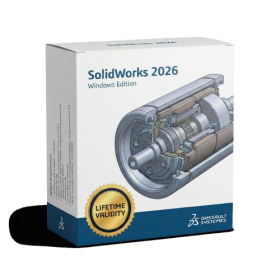
- AUTOMATIC DELIVERY INSTANTLY ON REGISTERED EMAIL .
- Any Installation Problem Freely Contact Us(Will Give You Support)
- Lifetime Validity
- Windows Version
- Automate assembly mates instantly with AI-powered fastener recognition.
- Generate complete 2D drawings from 3D models automatically with AI tools.
- Split component configurations into separate files in batches seamlessly.
- Skip unnecessary rebuilds for cosmetic changes to speed up large assemblies.
- Create reference points precisely using global XYZ coordinate values.
- Import massive neutral files in the background while you continue working.
- Render photorealistic images directly within the interface without switching apps.
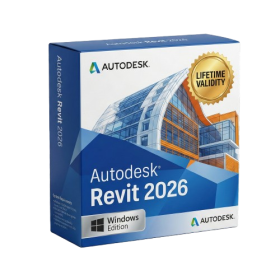
- Lifetime Validity
- Instant Delivery on Email
- Any Installation Problem Freely Contact Us(Will Give You Support)
- Supported on Windows 10,11
- Pre-Activated for Lifetime Validity
- Streamline your modeling workflows by working directly in perspective views.
- When you import or link certain items into a model, you can apply tags to these items.
- Use the Split Element tool on structural columns and framing elements
- To ensure that structural connections from this application adhere to the latest standards
- Resize runs of corresponding fabrication parts using the Properties palette or the Edit Parts dialog.
- AUTOMATIC DELIVERY INSTANTLY ON REGISTERED EMAIL .
- Any Installation Problem Freely Contact Us(Will Give You Support)
- Lifetime Validity
- Windows Version
- CorelDRAW X7 – Vector Illustration & Layout
- Corel PHOTO-PAINT X7 – Professional Photo Editing
- PowerTRACE – Convert Images to Vector
- Corel CONNECT – Search & Manage Content
- Corel CAPTURE – One-click Screenshot Tool
- Website Creator – Simple Website Building
- PhotoZoom Plugin – High-quality image enlargement
- AUTOMATIC DELIVERY INSTANTLY ON REGISTERED EMAIL .
- Any Installation Problem Freely Contact Us(Will Give You Support)
- Lifetime Validity
- Windows Version
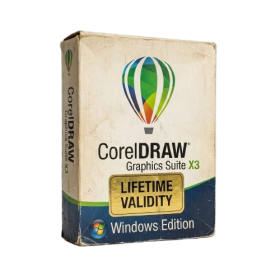
- A complete graphic design suite combining vector illustration, page layout, and photo editing.
- Quickly convert bitmap images into editable vectors with the integrated Corel PowerTRACE.
- Apply fills to any enclosed area instantly, regardless of the object’s structure, using the Smart Fill tool.
- Adjust color and tone easily in a single interface with the Image Adjustment Lab.
- Includes Corel PHOTO-PAINT X3 for professional image retouching and bitmap creation.
- Precisely mask and remove backgrounds from photos using the intuitive Cutout Lab.
- Remove unwanted areas from objects, groups, or imported graphics with the Crop tool.
- Enhanced text handling and OpenType support provide precise control over typography.
- Add depth to your designs with interactive contour, bevel, and drop shadow tools.
- Includes a massive library of clipart, fonts, and high-quality photos for immediate use.
- AUTOMATIC DELIVERY INSTANTLY ON REGISTERED EMAIL .
- Any Installation Problem Freely Contact Us(Will Give You Support)
- Lifetime Validity
- Windows Version
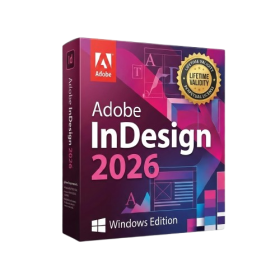
- Generate images and vector graphics directly on the canvas with Firefly AI.
- Format long documents instantly using AI-powered Auto Style packs.
- Streamline review cycles with real-time web-based Share for Review.
- Hide specific spreads easily to exclude them from export or printing.
- Optimize PDF accessibility automatically with improved auto-tagging tools.
- Import HEIC, WebP, and JP2K image formats natively without conversion.
- Publish interactive documents to the web with built-in viewer analytics.
- Automate complex layout tasks securely using modern UXP scripting.
- Lifetime Validity
- Instant Delivery on Email
- Supported on All Apple Mac Systems
- Any Installation Problem Freely Contact Us(Will Give You Support)
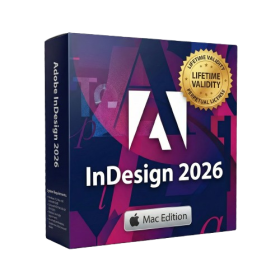
- Maximize performance with native optimization for Apple Silicon (M1/M2/M3).
- Generate images and graphics on-canvas instantly with integrated Firefly AI.
- Format long documents automatically using AI-powered Auto Style presets.
- Import HEIC and WebP images natively without manual conversion.
- Streamline client feedback with the real-time Share for Review link.
- Publish interactive digital documents to the web with built-in analytics.
- Hide specific pages or spreads easily from final export and printing.